Checking in at a session
Mark yourself or your child as here when you arrive.
Updated August 17, 2026
Checking in lets your trainer know you have arrived. It takes one tap.
Check in when you arrive
Use whichever is handier:
- Open My Bookings and check in from your session.
- Or scan the arrival QR code posted at the door. It opens a check-in screen for
you.
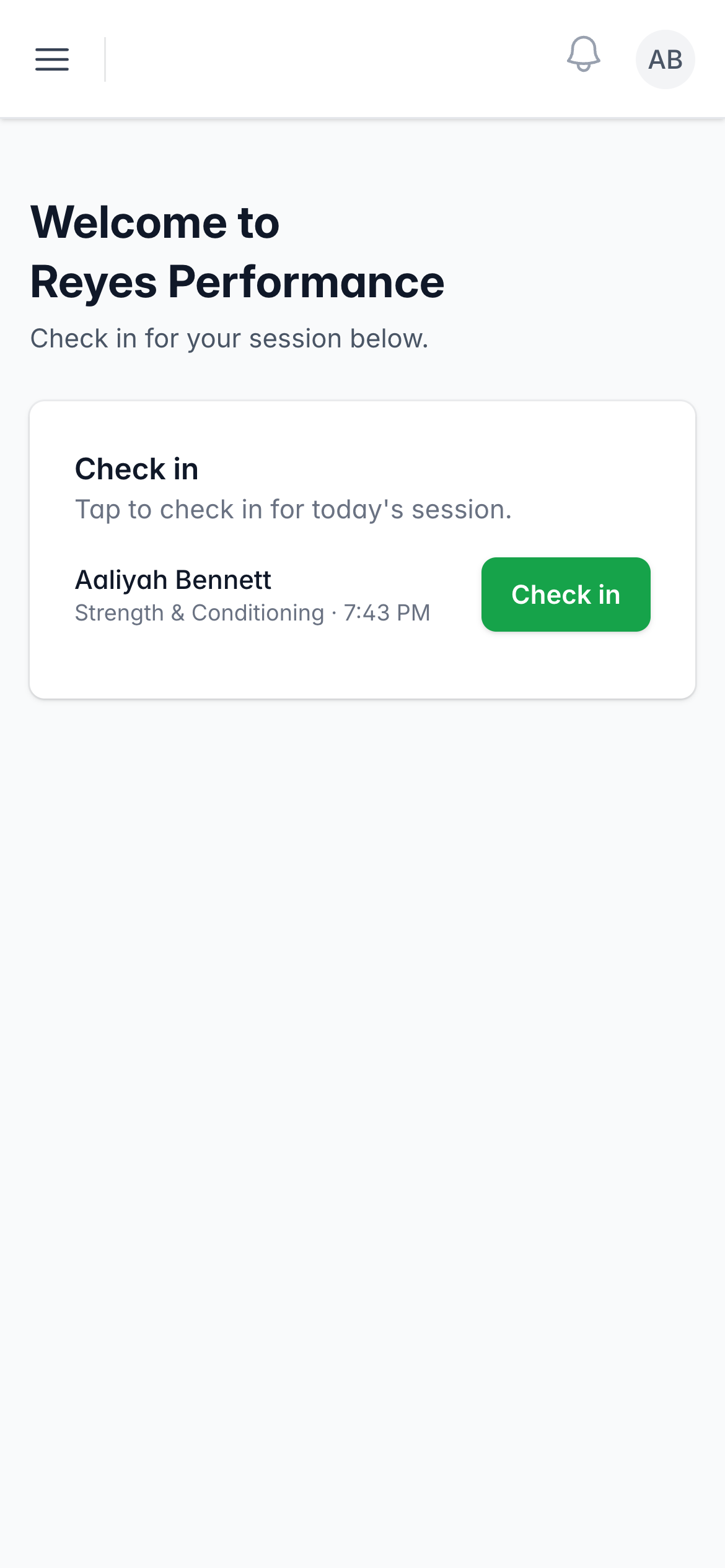
The check-in screen shows everyone you booked, you and any children. Tap Check
in next to a name, and it changes to Checked in. That is all.
If a waiver is needed
When a session needs a signed waiver, you see a Sign waiver link in place of
the check-in button. Tap it, sign, and then check in.
Checking in your kids
Your children each appear as their own row on the check-in screen. Tap Check
in for each child you brought.
Was this helpful?