Signing in and your password
Sign in, reset a password you forgot, and change your password.
Updated August 17, 2026
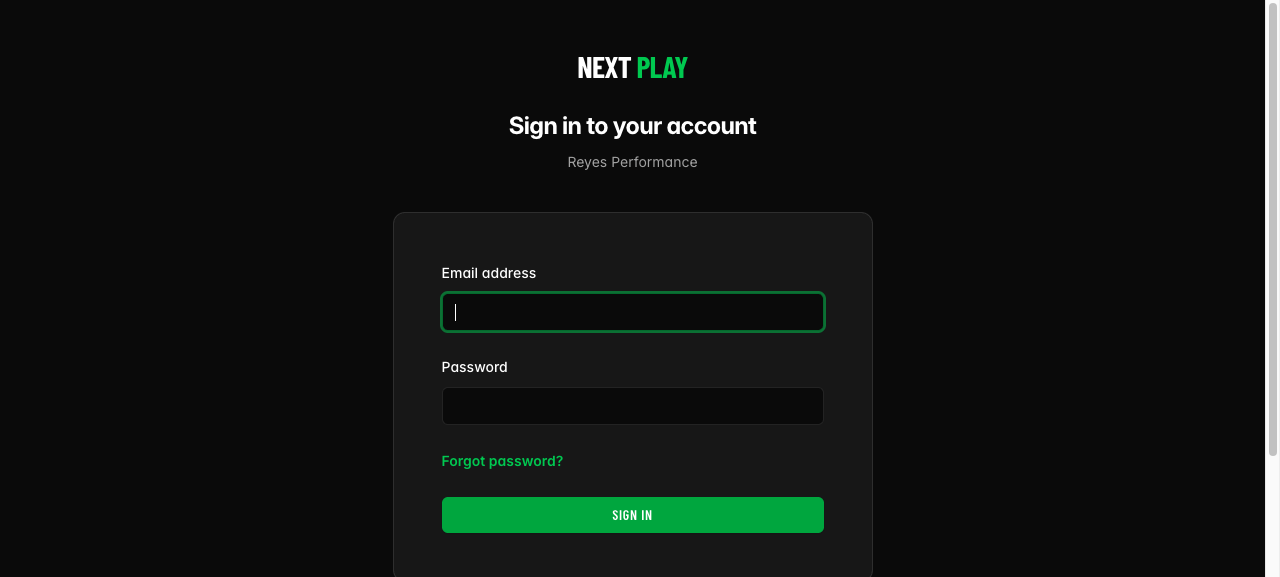
Sign in
Go to your Next Play sign-in page and enter your email address and
password. That gets you back into your space, your sessions, and your
messages.
Reset a password you forgot
On the sign-in page, tap Forgot password?. Enter your email and tap
Email reset instructions. We send you a link. Open it, set a new
password, and you are back in.
The reset link is good for a short time, so use it soon. If it expires, just ask
for another.
Change your password
Already signed in and want a new password? Go to your account and choose Change
Password. Enter your current password, then your new password twice to
confirm.
Was this helpful?