Your QR code and checking in
Find your QR code, show it at the door, and check yourself in for a session.
Updated August 17, 2026
Every member gets a personal QR code for checking in. If you manage kids, each of them has one too, and they all live in the same place.
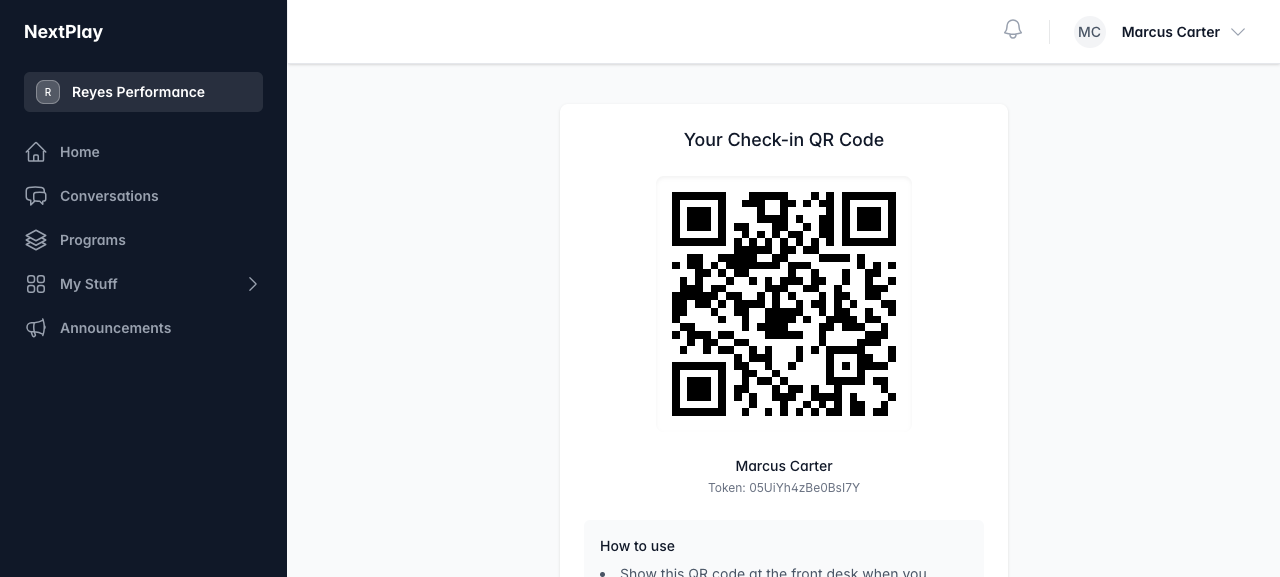
Your QR code and your family’s
From your dashboard, tap the Check-in QR Codes strip. On your profile, look for the Check-in QR Code section. Both show your own code and a link to open it.
If you manage kids, their codes are bundled with yours in full screen mode. You do not need a separate login for each child to pull up their code.
If a code ever stops working or you think someone else has a copy of it, tap Regenerate Code to get a fresh one. The old code stops working as soon as you do this.
Show it at the door
To show a code at the front desk, open it in full screen. Tap Full Screen on your profile, or View full screen from the QR code section.
Full screen mode is built for handing your phone across a desk. The code fills the screen on a black background so it is easy to scan. If you have more than one code (you plus your kids), swipe left and right to move between them. The name under each code tells you whose it is.
Scanning the arrival code when you get there
Some facilities post their own arrival QR code where athletes walk in. You can scan that with your phone’s camera instead of showing your personal code.
What happens next depends on you:
- If you are signed in and have a booking ready to check in, the scan takes you straight to check-in.
- If you are signed in but have nothing to check in right now, it sends you to that facility’s booking page.
- If you are not signed in, you get a welcome screen with options to check in or book.
Checking yourself in
When you have a session coming up, a Check in card appears on your QR code page listing who can check in right now. Tap Check in next to your name, or a child’s name, and you are done.
Two things have to be true for self check-in to show up:
- You have a booking, and you are inside its check-in window. Outside that window there is nothing to check in, so the card stays hidden.
- You have no required waiver waiting to be signed. If one is pending, you are sent to sign it first, then you can check in.
Was this helpful?