Adding staff and roles
Invite trainers and admins to your space, and pick what each can do.
Updated August 17, 2026
If you work with other coaches, you can invite them to help run your space and
give each person the right level of access.
Invite someone
Open Team, then Staff, and choose to invite a team member. Enter their
email, pick a role, and send the invite. They get a link, accept it, and have
access right away.
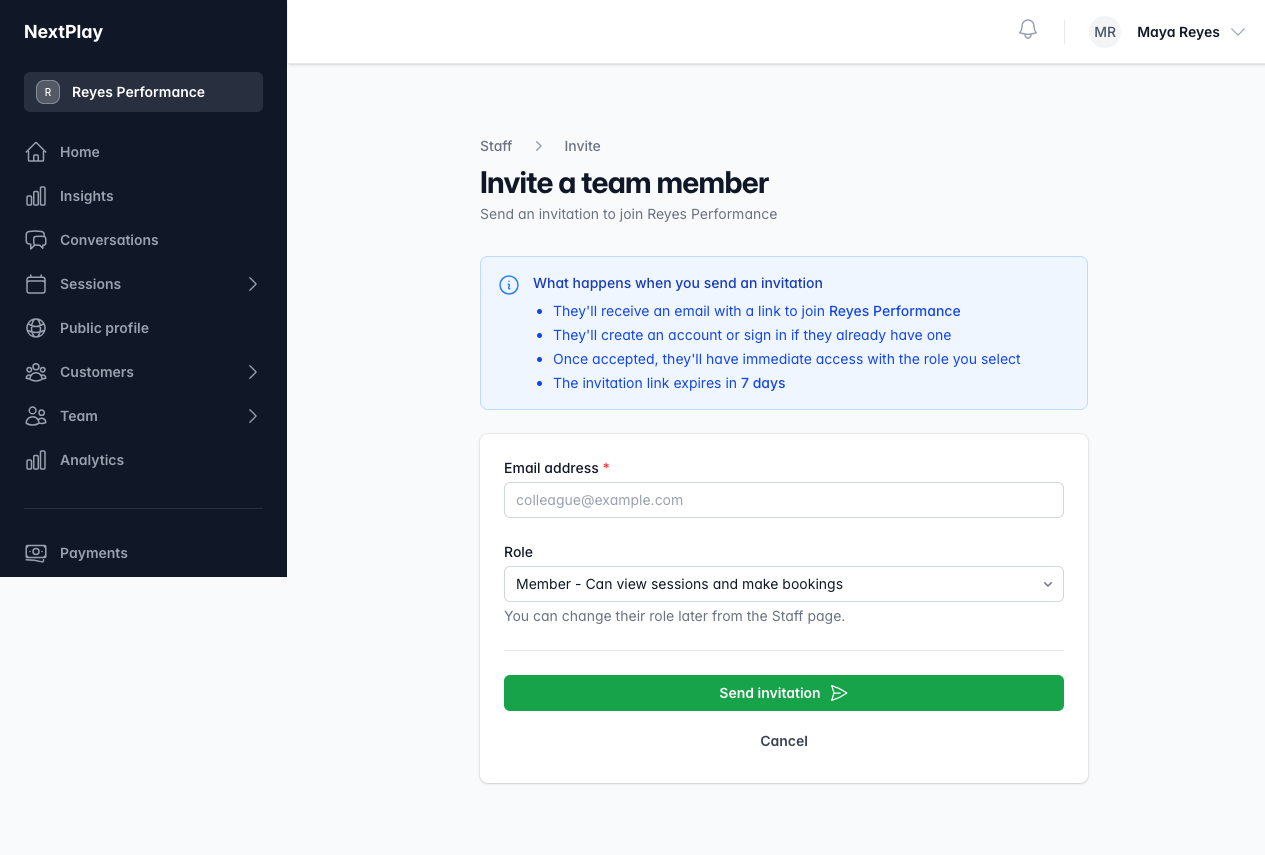
Pick a role
You set a role for each person, and you can change it later:
- Member can view sessions and make bookings. This is the same access a
family has. - Trainer can create sessions, manage bookings, and message attendees.
- Admin has full access to staff, customers, bookings, and settings.
The owner is the account holder, with full control including billing. That
is you, and there is only one.
Change a role
Open Team, then Staff, find the person, and update their role. Use this
to promote a helper to trainer, or to step someone back.
Was this helpful?