Messaging and announcements
Send a direct message to one family, or announce something to everyone in a session.
Updated August 17, 2026
You have two ways to reach people: a direct message to one person, or an
announcement to everyone in a session.
Send a direct message
Open Conversations to have a one-on-one chat with a family or a staff member.
Start a new message, choose who it is To, write your Message, and send.
You can also create a group conversation when you need a few people in one
thread.
Announce to a session
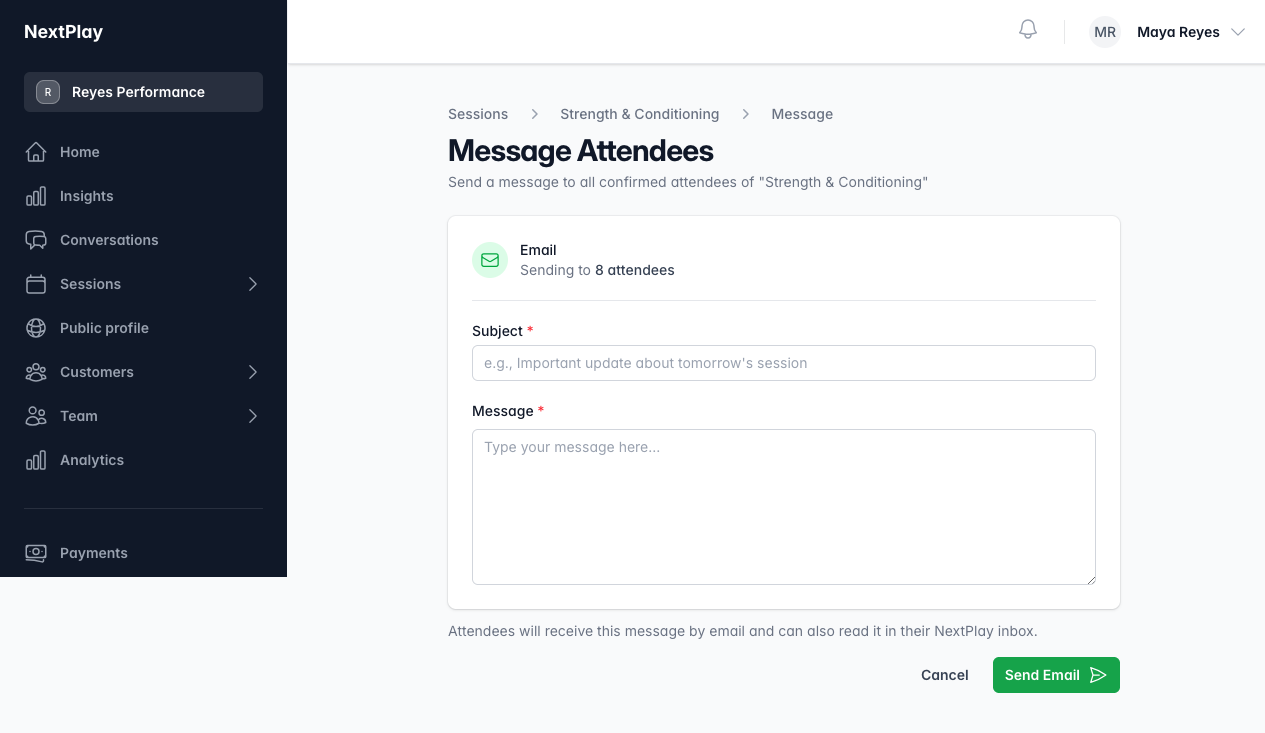
From a session, choose Message Attendees to reach everyone who is confirmed.
Add a Subject and your Message, then Send Email. Attendees get it by
email and can also read it in their NextPlay inbox.
If you have text messaging set up, you can also send a short SMS to the attendees
who have a phone number on file.
Was this helpful?