Accepting a plan your trainer sent you
Open the plan your trainer built for you, choose who it is for, and pay to book every session at once.
Updated August 17, 2026
A plan is an offer your trainer built for you: a set number of sessions at a
price they set, sent to you as a private link. Only someone with the link can
open it, so it is meant just for you.
Open the offer
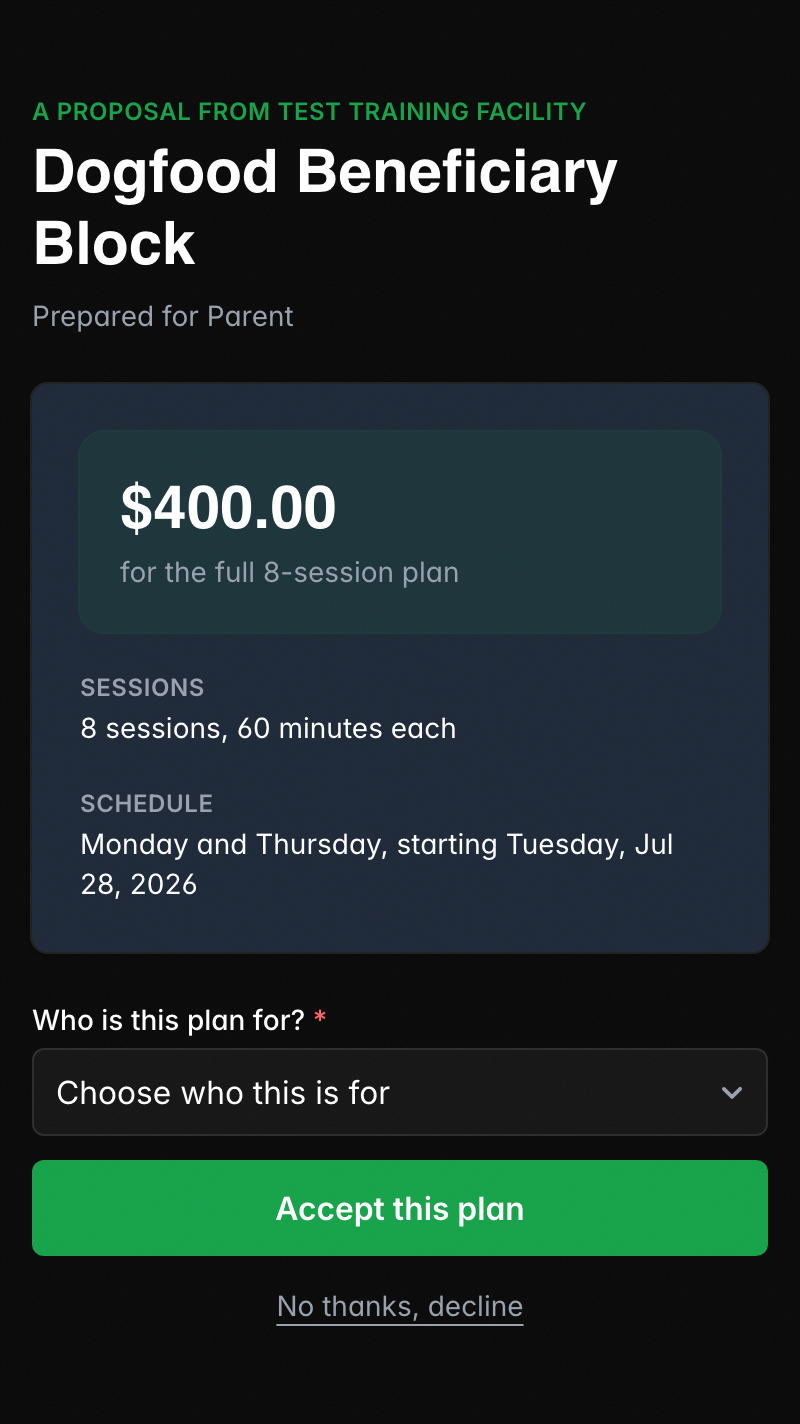
Tap the link your trainer sent. The offer page shows the plan’s name, the price,
how many sessions you get and when they run, and a note from your trainer.
If the trainer set the plan up as monthly, you see the amount per month, how many
months it runs, and the full total, along with a short How the plan works
note so you know when the payments end.
Accept and sign in
Tap Accept this plan. If you are not signed in yet, you sign in or create a
free account first. Your email is already filled in from the plan, so it is
quick. After that you land back on the offer, ready to finish.
Choose who the plan is for
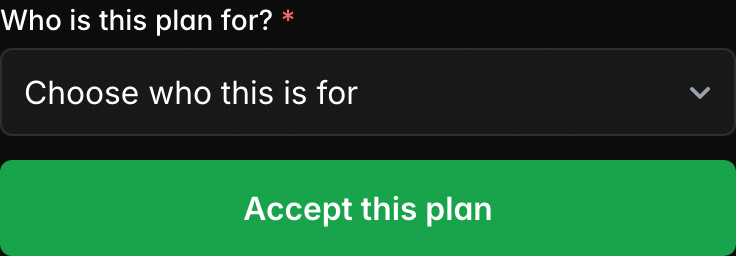
Once you are signed in, the offer asks Who is this plan for? Pick yourself or
one of your children. This is who gets booked into the sessions.
If your children are not on your account yet, you see Buying for your athlete?
Add them first. Tap it, add your athlete, and you come right back to the offer
with them in the list. For more on this, see
managing your family.
Pay and get booked
Tap Accept this plan again to go to secure payment by card. A monthly plan
sets up your installments; a pay-in-full plan charges once.
Once payment goes through, every session in the plan is booked for you
automatically. You land back in your account with your spot confirmed, and you
get a receipt. For what checkout looks like, see
paying for sessions.
If you want to decline
Not the right fit? Tap No thanks, decline on the offer. That closes it out,
and your trainer is not notified. If you change your mind later, reach out to
your trainer for a new link.
If the link says it is no longer valid
A plan link works only while the offer is open. If you see This link is no
longer valid, the plan has expired or has already been accepted. Ask your
trainer to send you a fresh one.
Was this helpful?